Motorization · Hunter Douglas
PowerView® Automation
PowerView® Automation runs your shades from an app, a remote, or a smart-home system.
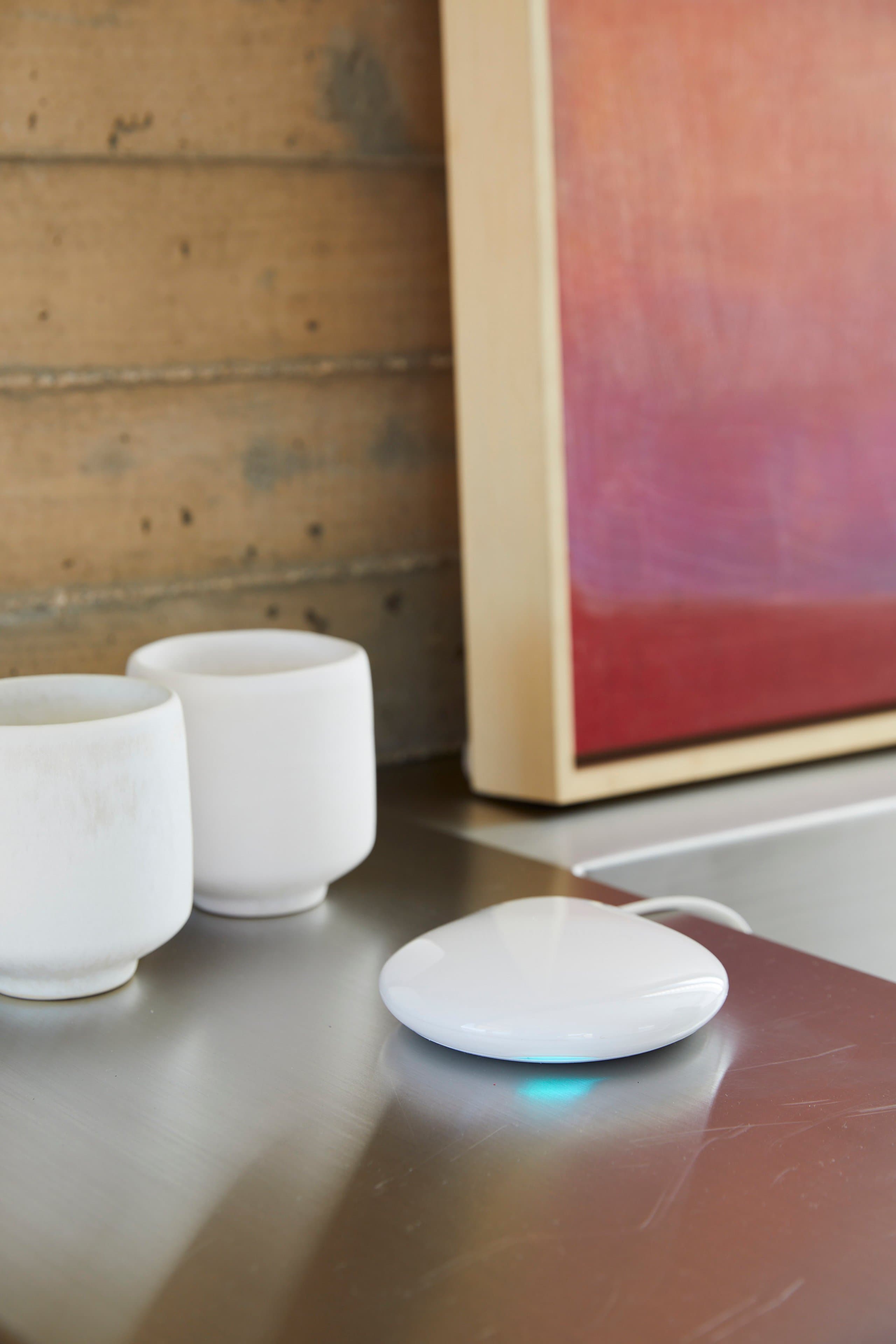
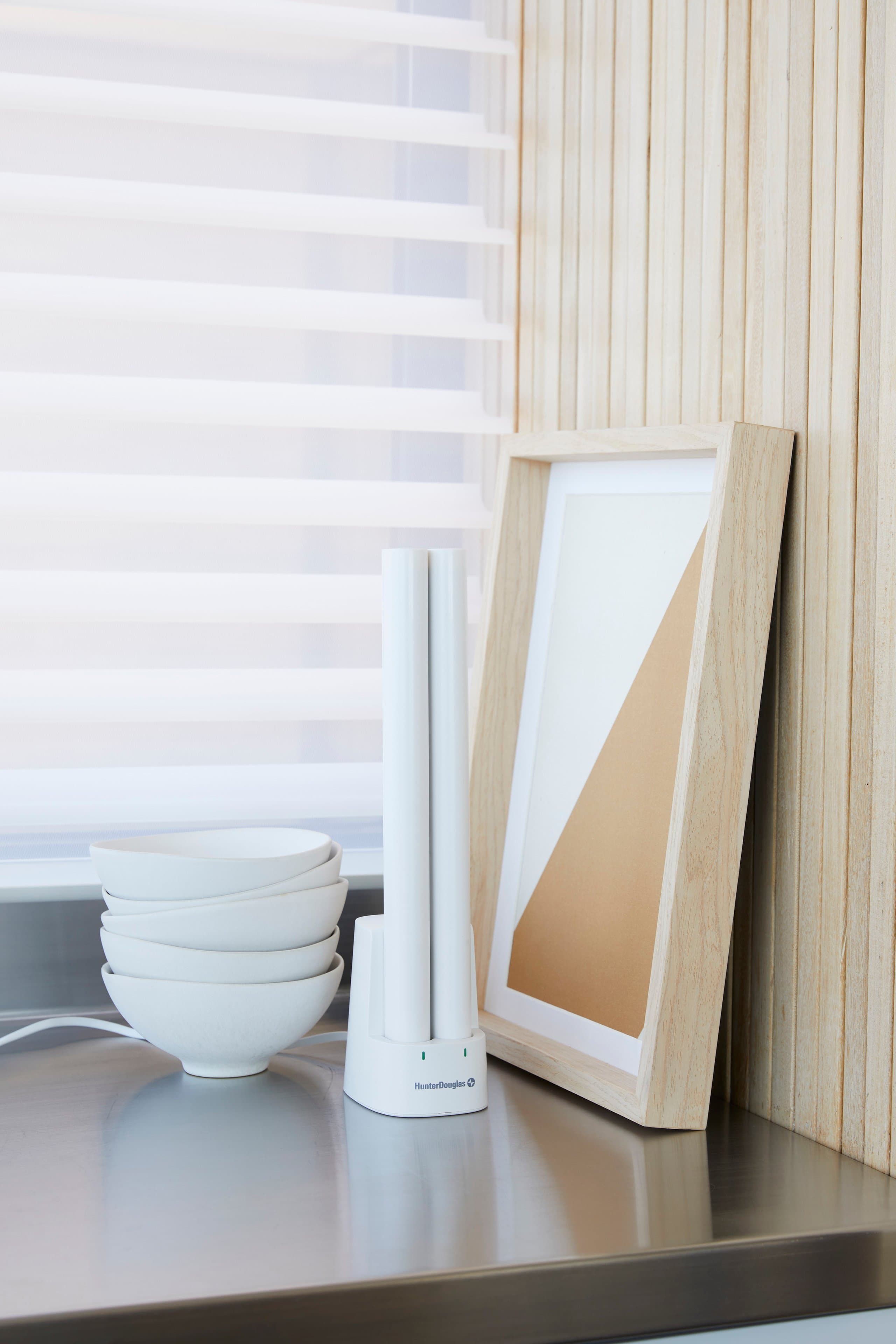
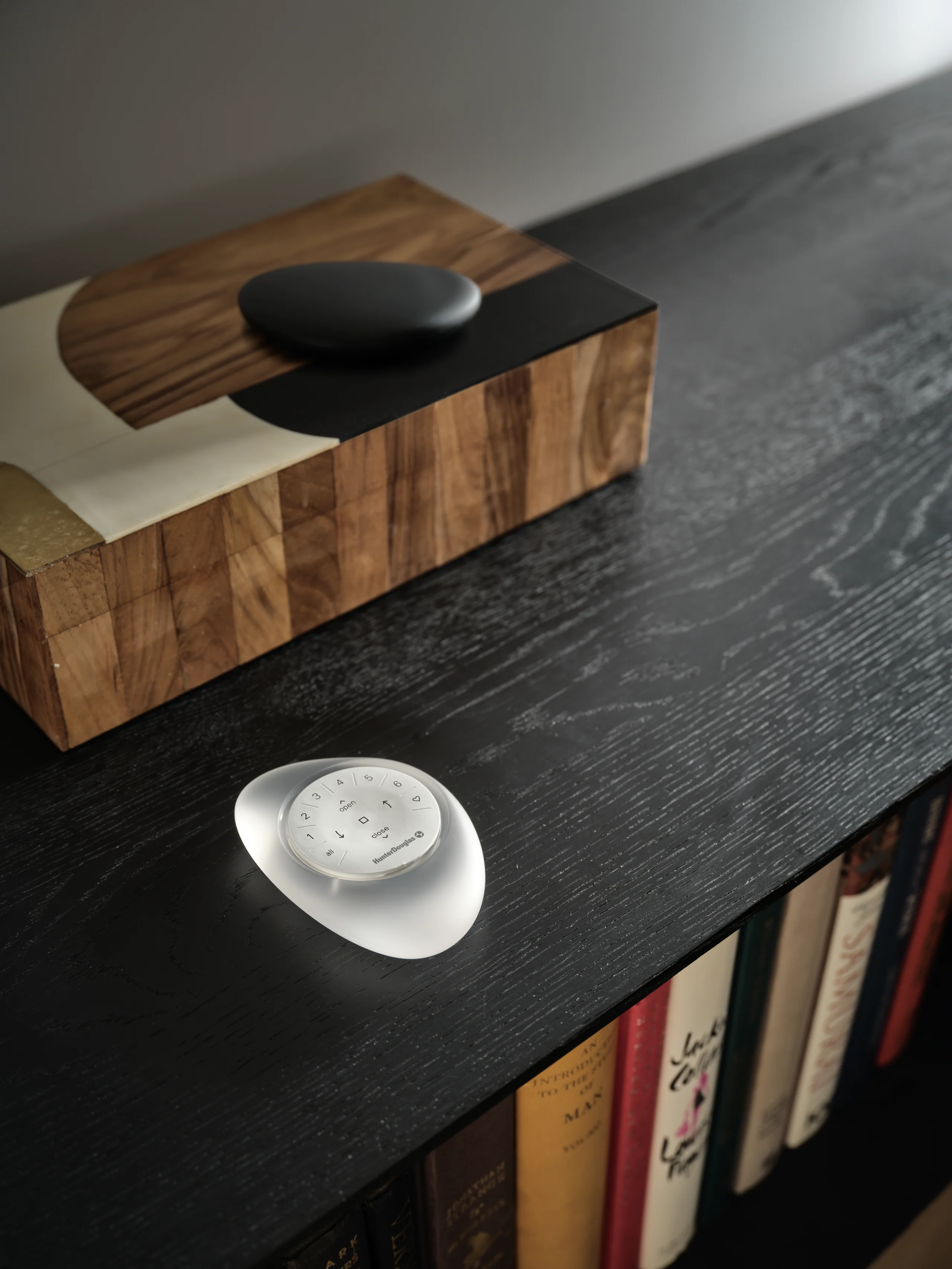
PowerView® Automation is the motorization system from Hunter Douglas, and it is the upgrade people tell me they wish they had done sooner. You control and schedule your shades with the PowerView® App on your phone, with a handheld remote, or through a smart-home system, and you can voice activate them through that system.
The real argument for it is the windows nobody ever touches. The two-story wall of glass, the shade over the kitchen sink, the row of windows in a sunroom. Automated window coverings make rooms more comfortable through the day, and they can be programmed to open and close at different times of the day to suit how you actually live. Snowbirds buy it for a different reason: you can be in Florida in February and still run the shades in Salem.
The industry noticed too. PowerView® Automation (Gen 3) won a 2023 Mark of Excellence Award from the Smart Home Division of the Consumer Technology Association, named Automated Shade Product of the Year. The Mark of Excellence Awards recognize the best in custom integration and installed technology, and manufacturers, distributors and systems integrators compete across more than twenty categories for it.
The PowerView® App is required for programmed operation.
What you get
- Control from the PowerView® App on your phone, a handheld remote, or a smart-home system
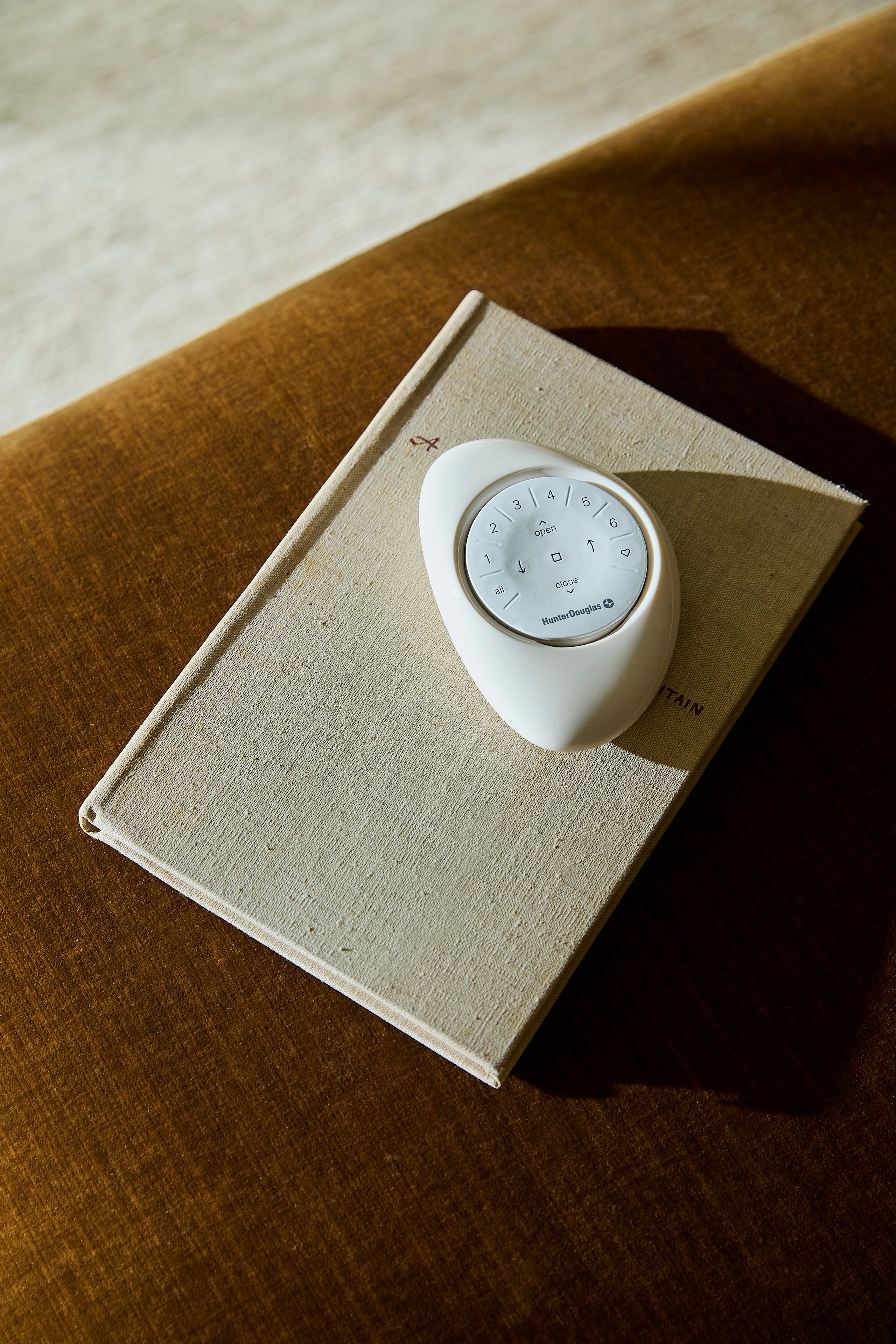
- PowerView® Tap, a wall-mount or tabletop control with a three-button rocker for up, stop and down, plus double-click actions you set in the app
- Voice activation through your smart-home system
- Shades can be programmed to open and close at different times of the day
- Available on many Hunter Douglas lines, including roller and screen shades, woven woods, Roman shades and gliding panels
- Winner of a 2023 Mark of Excellence Award, named Automated Shade Product of the Year by the Smart Home Division of the Consumer Technology Association
- Set up and programmed in your home by our team, and we do not leave until you have run it yourself once
In real rooms
PowerView® at home.
PowerView® Automation by Hunter Douglas
Questions Jim gets
About PowerView®.
Do I have to use my phone every time?
No, and most people do not. There is a handheld remote, and Hunter Douglas added PowerView® Tap in August 2026: a small white control with a three-button rocker for up, stop and down that you can wall-mount by the door or leave on a side table. It has double-click actions you set in the PowerView® App, so one button can move a whole room. Your shades also work with a smart-home system if you already run one.
What can I actually do with it?
Open and close one shade, or a whole room of them, from the app, a remote, or a smart-home system, and voice activate them through that system. You can also set shades to open and close at different times of the day. The PowerView® App is required for programmed operation.
Can PowerView® Automation be added to shades I already own?
Sometimes, and sometimes not. It depends on the product and how old it is. Raise it at the consultation, and I will look at what is actually hanging in your windows and tell you straight whether it is worth doing or whether you are better off replacing the shade.
Is it worth motorizing every window?
No, and I will tell you which ones deserve it. Motorization earns its keep on the windows that are hard to reach, the ones too big to lift comfortably, and the ones you want moving on a routine. On a small window you open once a season, a cord or a wand is the honest answer.
The next step
See PowerView® in your own windows.
A photograph can only tell you so much. We bring the real Hunter Douglas samples to your home, hold them in your own windows, and show you how they behave in your light. The consultation is free, and you get an honest installed price at your kitchen table.